


How to make a bundle and send to a buyer
US$9
US$9
- Size
- US OS
- Category
- WomenOther
How to create a bundle
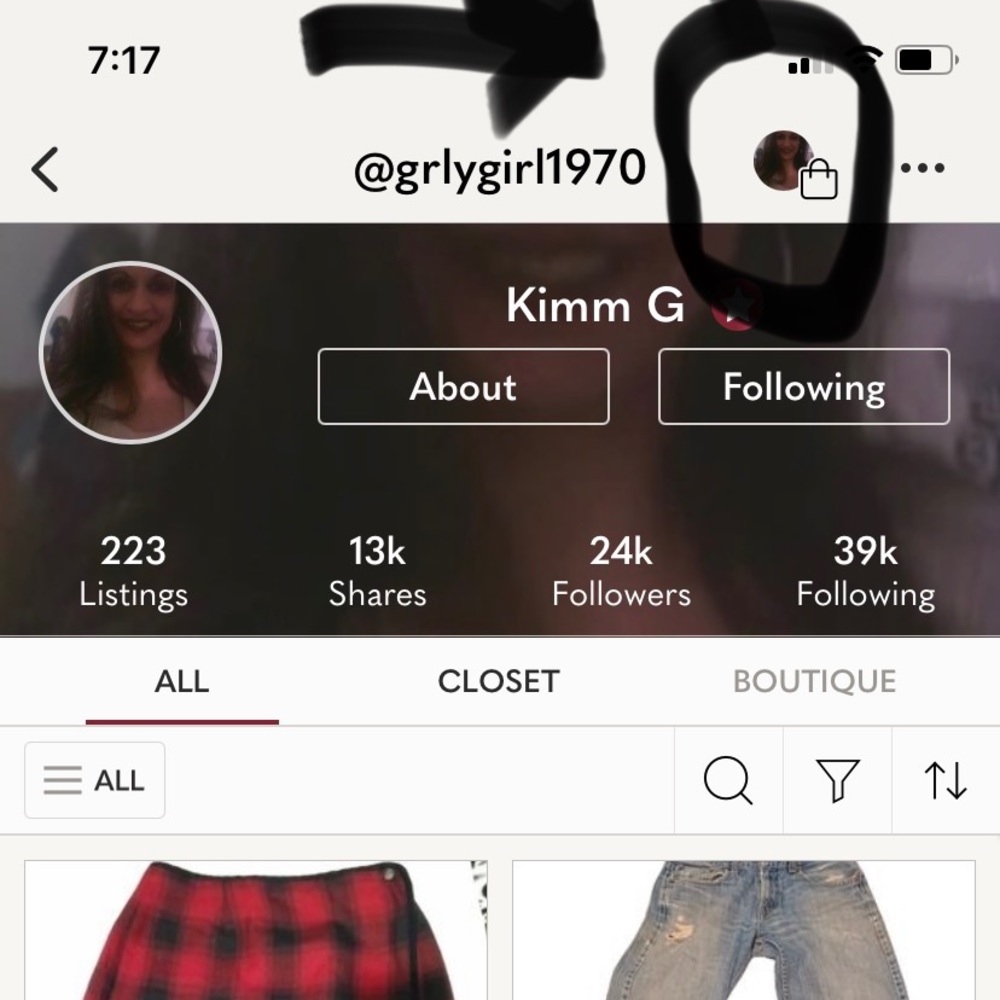
Click on persons picture to get to their “closet or account”
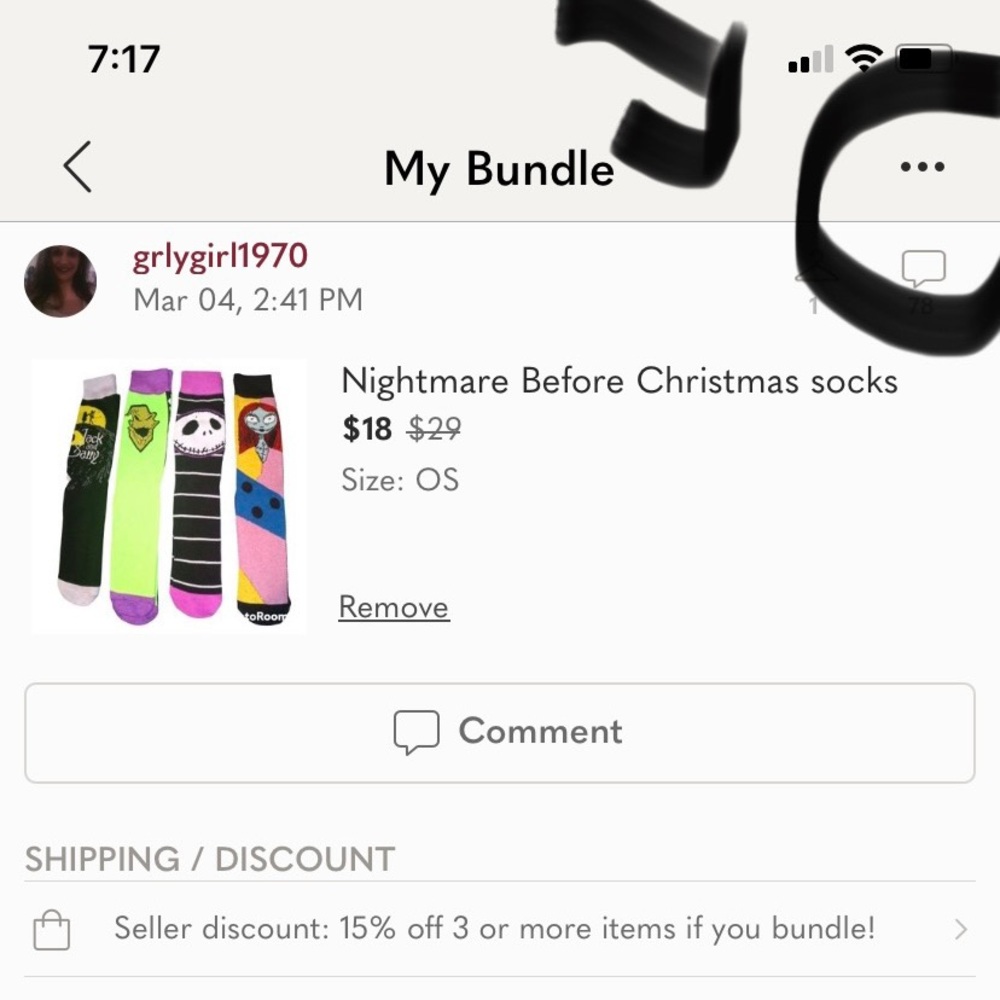
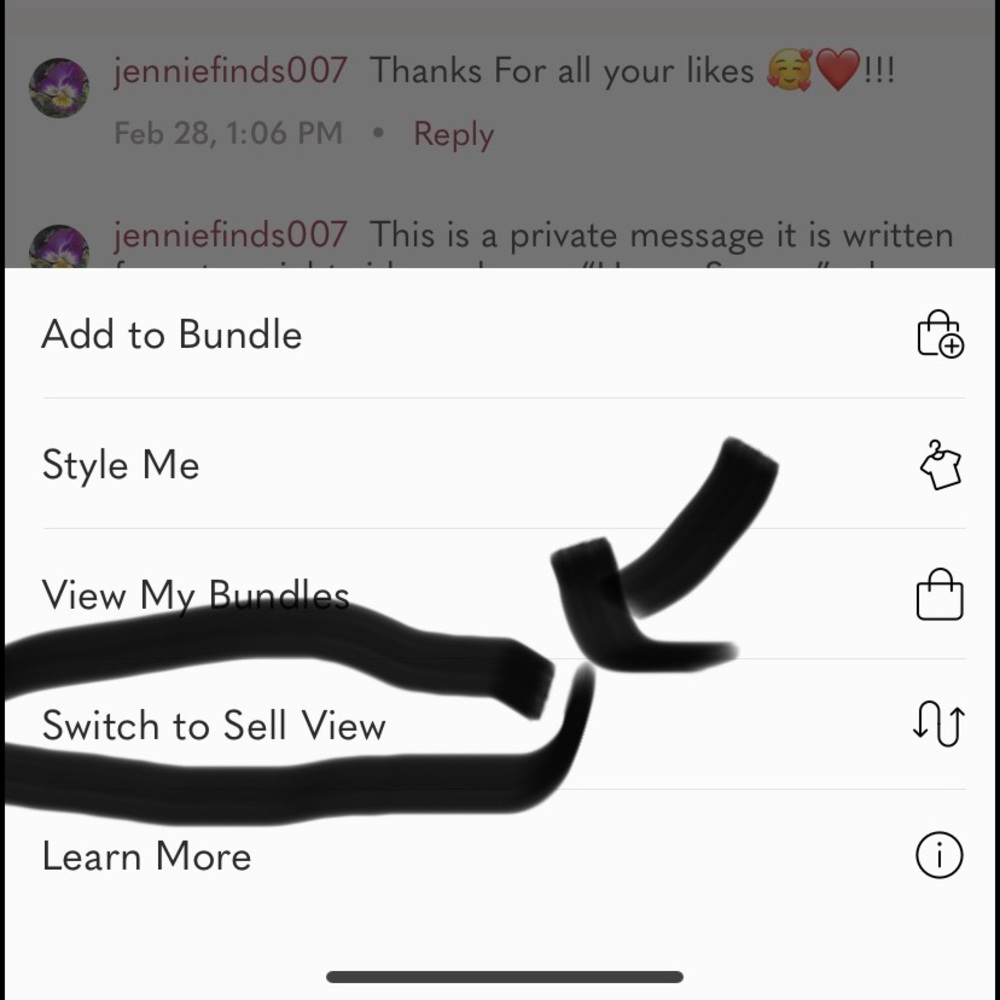
Go to top right and click on the persons picture with suitcase (top right) then it will take you to my bundle … then press top right the three … dots then you will see “switch to sell view“ press that
This will take you to the potential buyers likes from your closet scroll down to see them ..
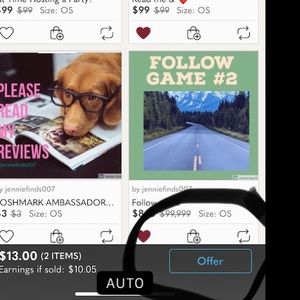
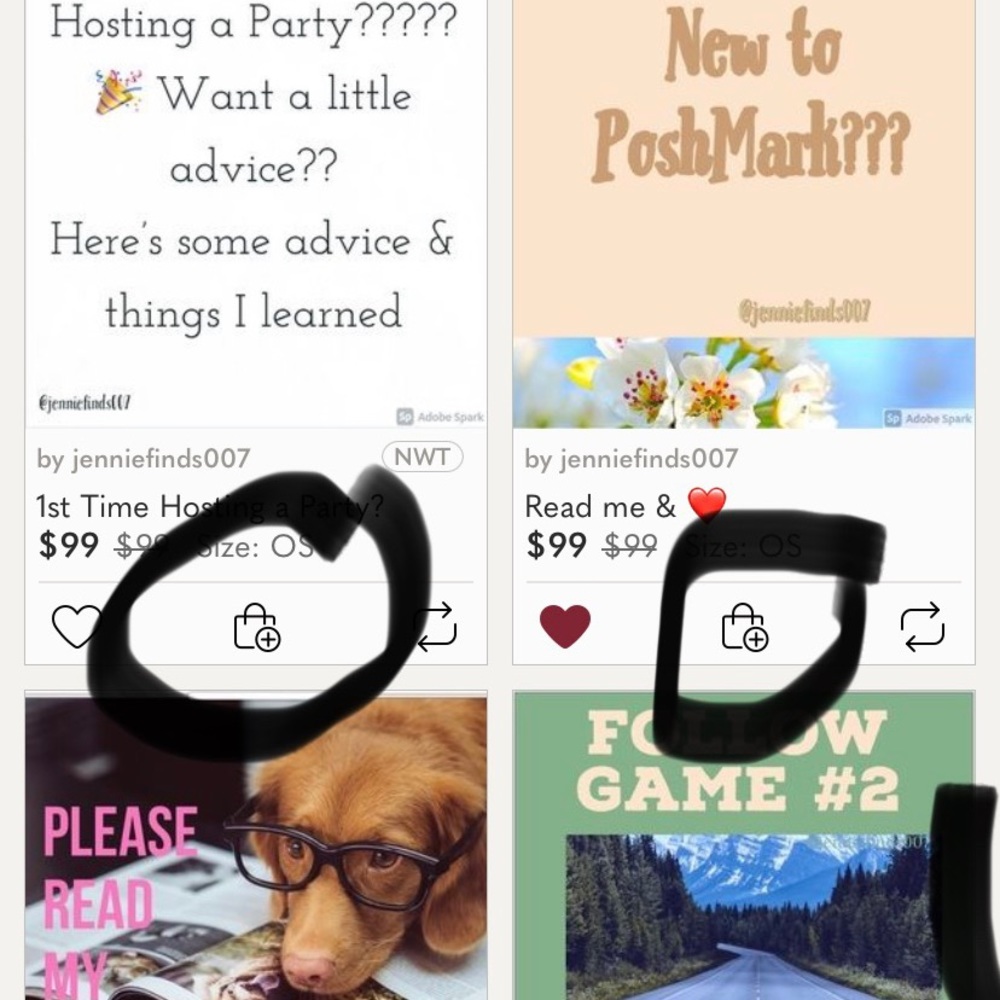
Then you can see the items they like and press the suitcase under each item to add to their bundle.. after
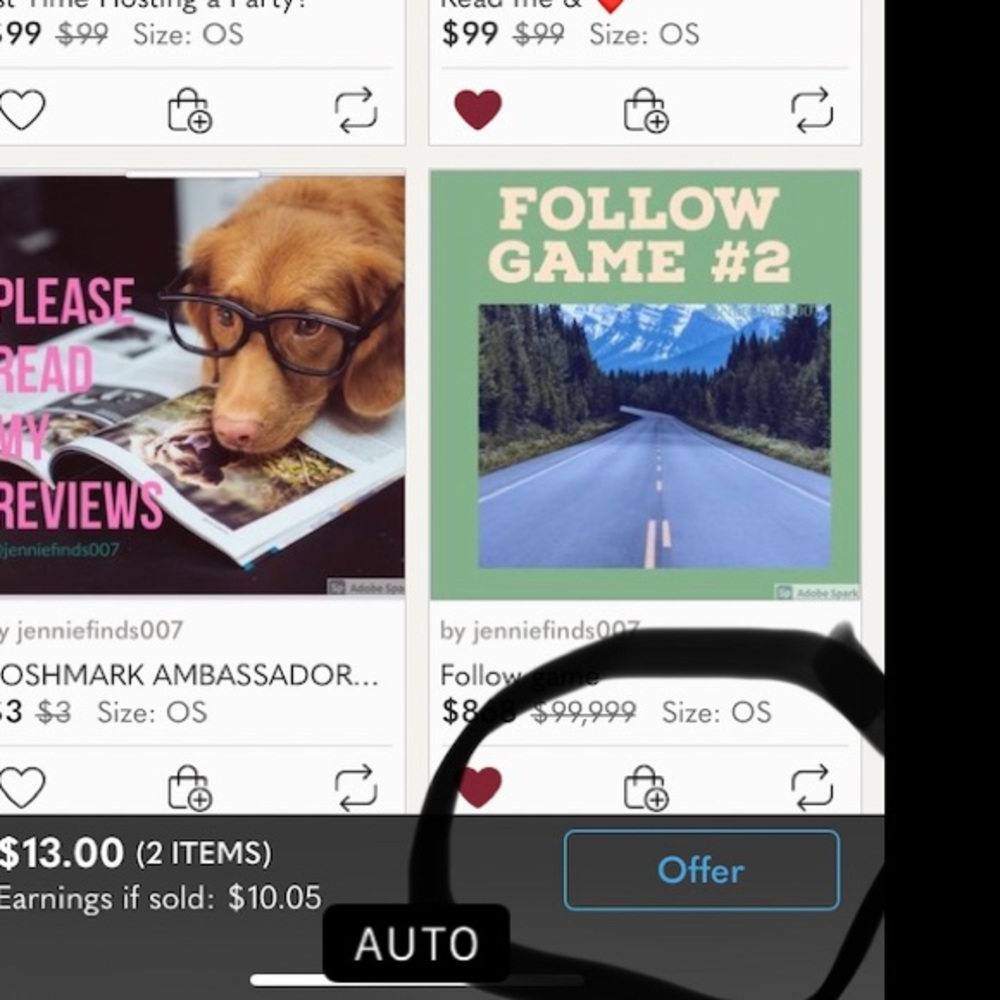
You added their likes press blue offer bottom of page and you can send them an offer.
last step send a personal comment on same
Screen to buyer about how you are sending them a bundled offer .
☺️Jennie
How to send an offer
How to bundle for a buyer
How to create a bundle
Info
Like To Get Deals!




Trust & Shipping
Posh Protect (Included)
Get a refund if your order never ships or is not as described.
Shipping
$6.49











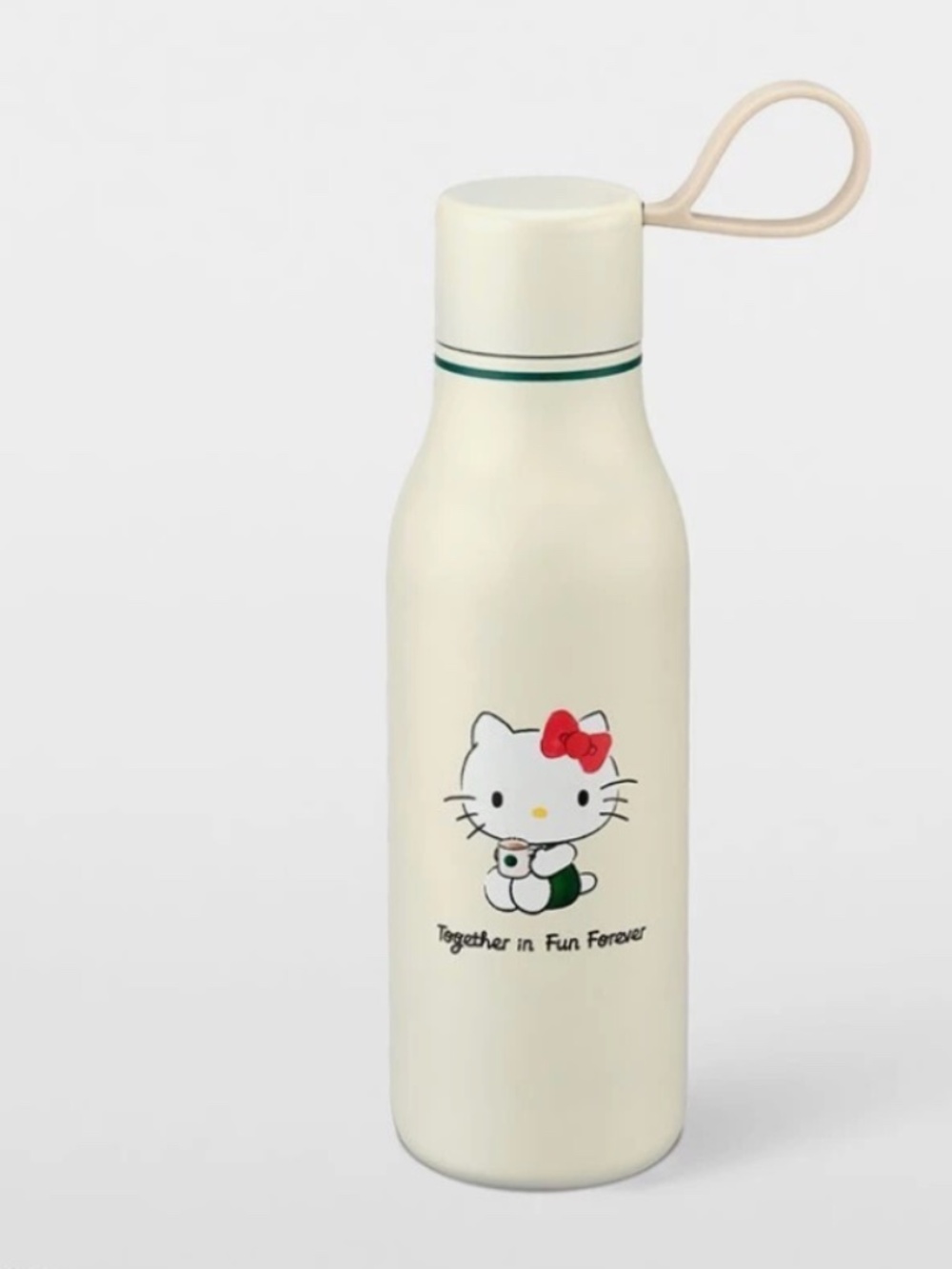
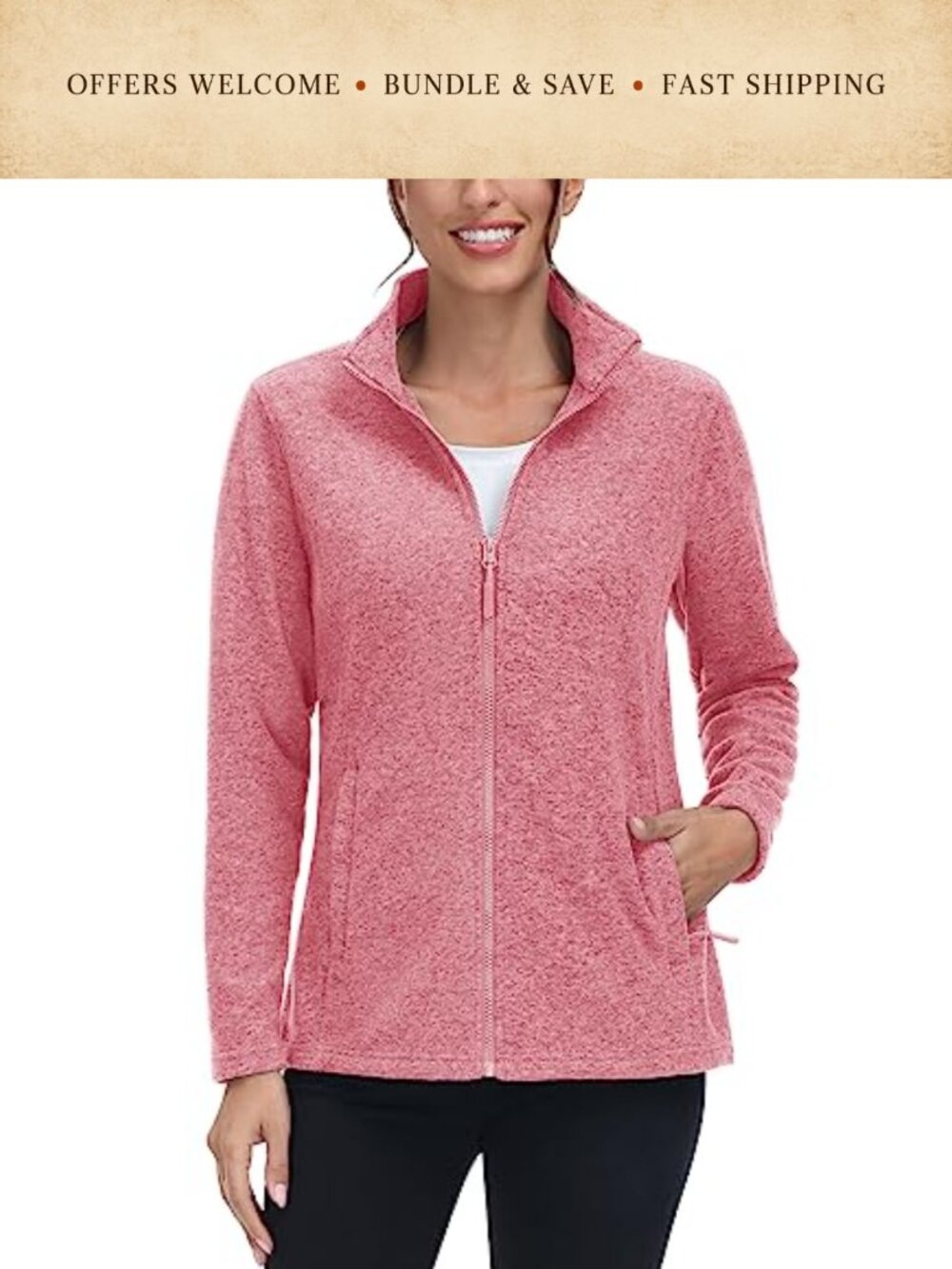

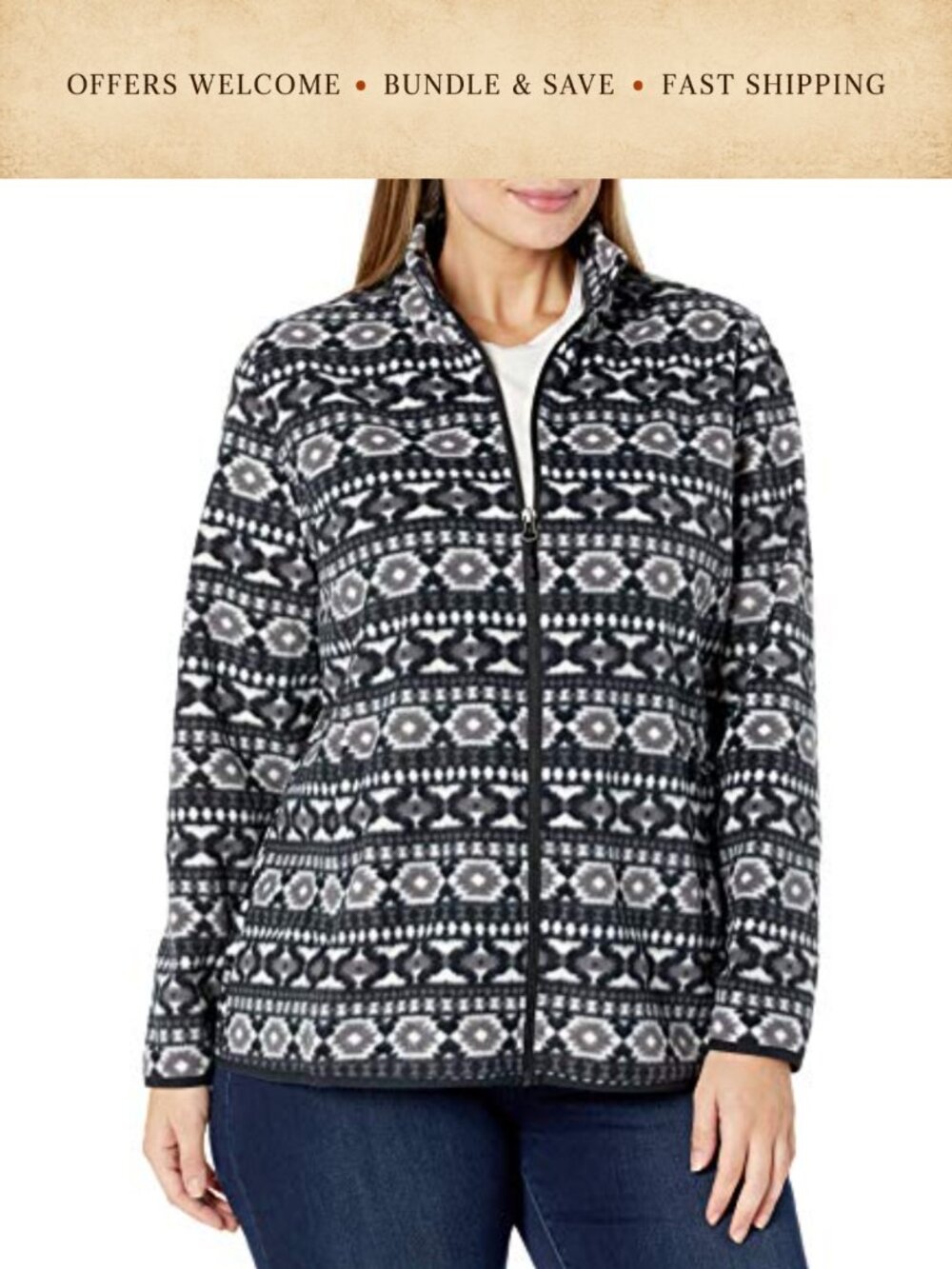

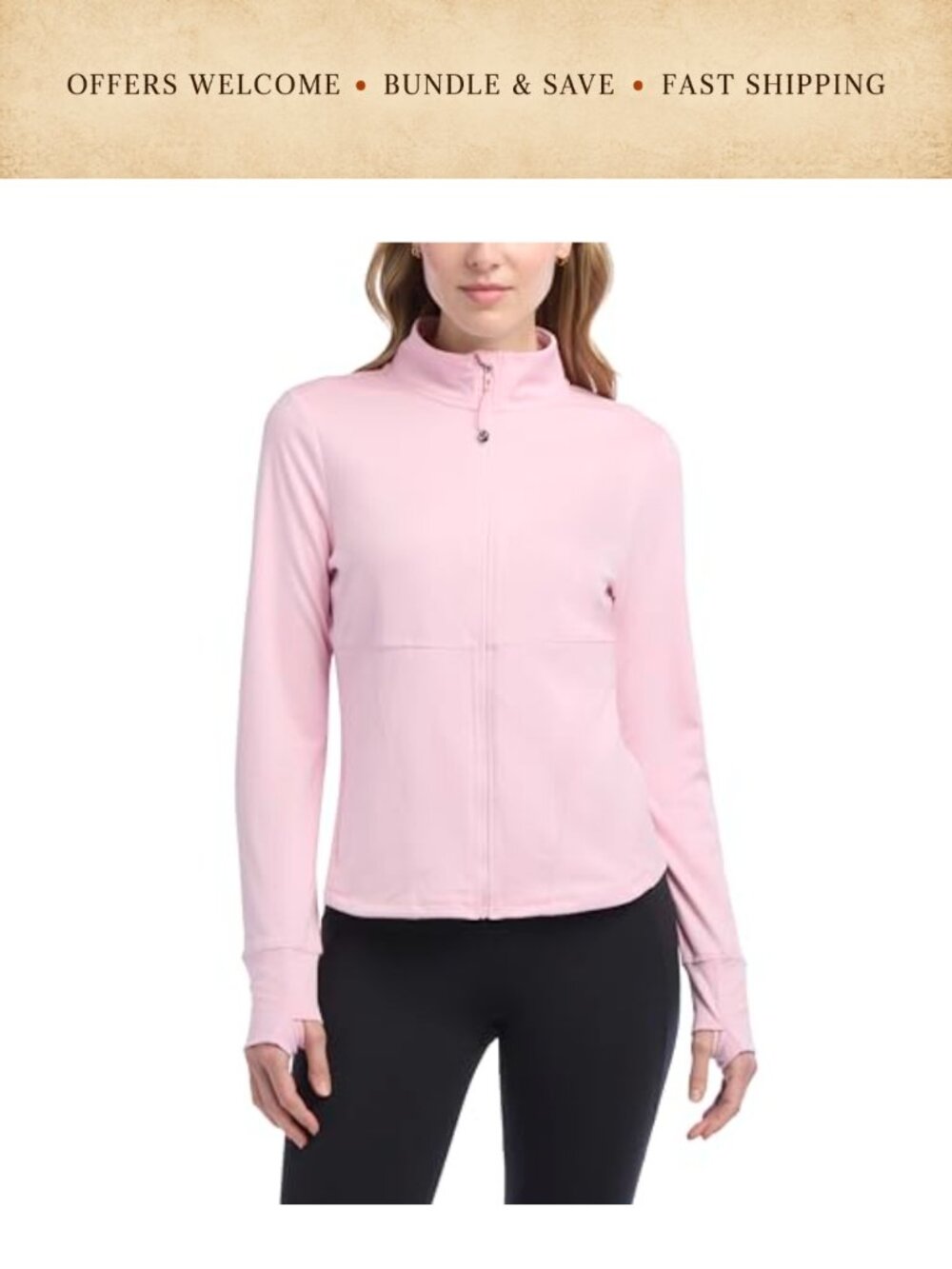








Account is under Review
Comment posting is temporarily restricted. Our team will reach out to you shortly. To understand why, select
Learn More.
Still Selling This?
Yes, this item is still for sale.
I don’t want to sell this item right now.
I no longer have this item.
Delete Listing?
This action cannot be undone. You will no longer see this listing in your closet and your account will not be affected.

Comments